> For the complete documentation index, see [llms.txt](https://docs.eternals.game/llms.txt). Markdown versions of documentation pages are available by appending `.md` to page URLs; this page is available as [Markdown](https://docs.eternals.game/eternals_world/gomoku/gomoku-quick-match.md).
# Quick Match
Quick Match is a casual, no-pressure game mode designed for practice and fun. It requires no ticket to enter. As a training-focused mode, Quick Match does not provide rewards, allowing players to hone their skills and enjoy the game without any stakes.
Once you have been familiar with the game, you can switch to play in [Ranking Match](https://docs.eternals.game/eternals_world/gomoku/ranking-match), where you can receive points and rewards.
***
## How to access Quick Match
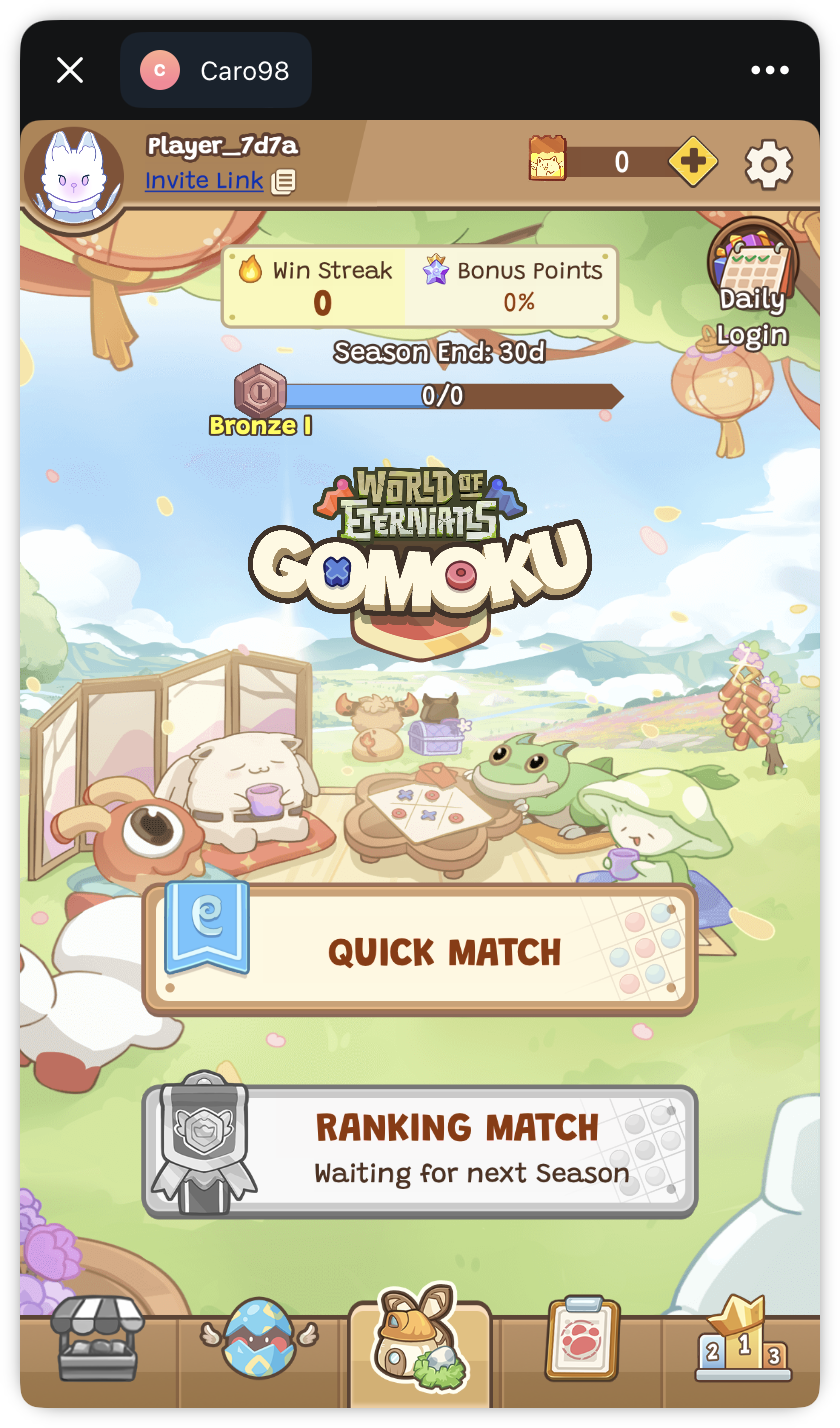
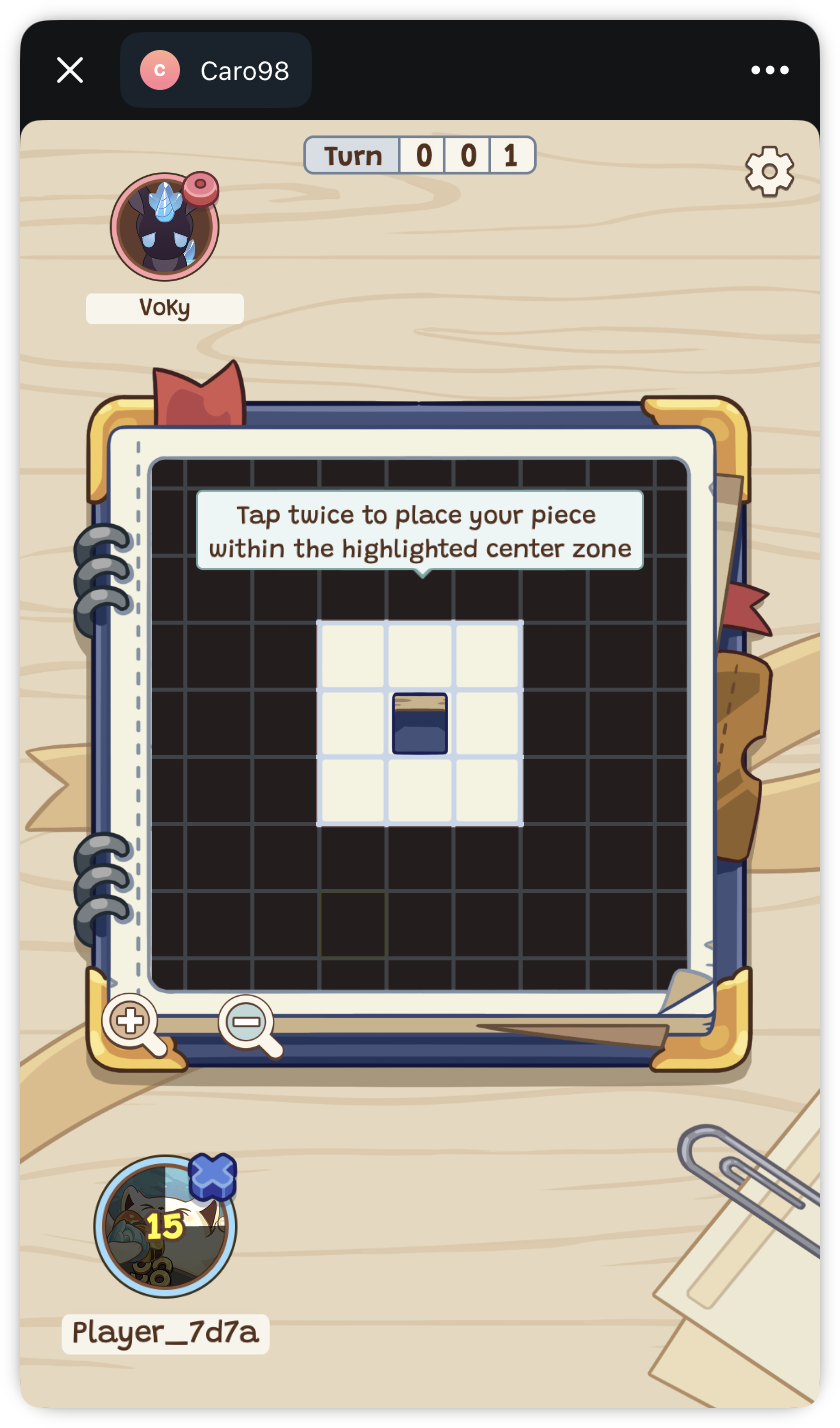
**Step 1**: On main screen, click on **Quick Match** to access Quick Match
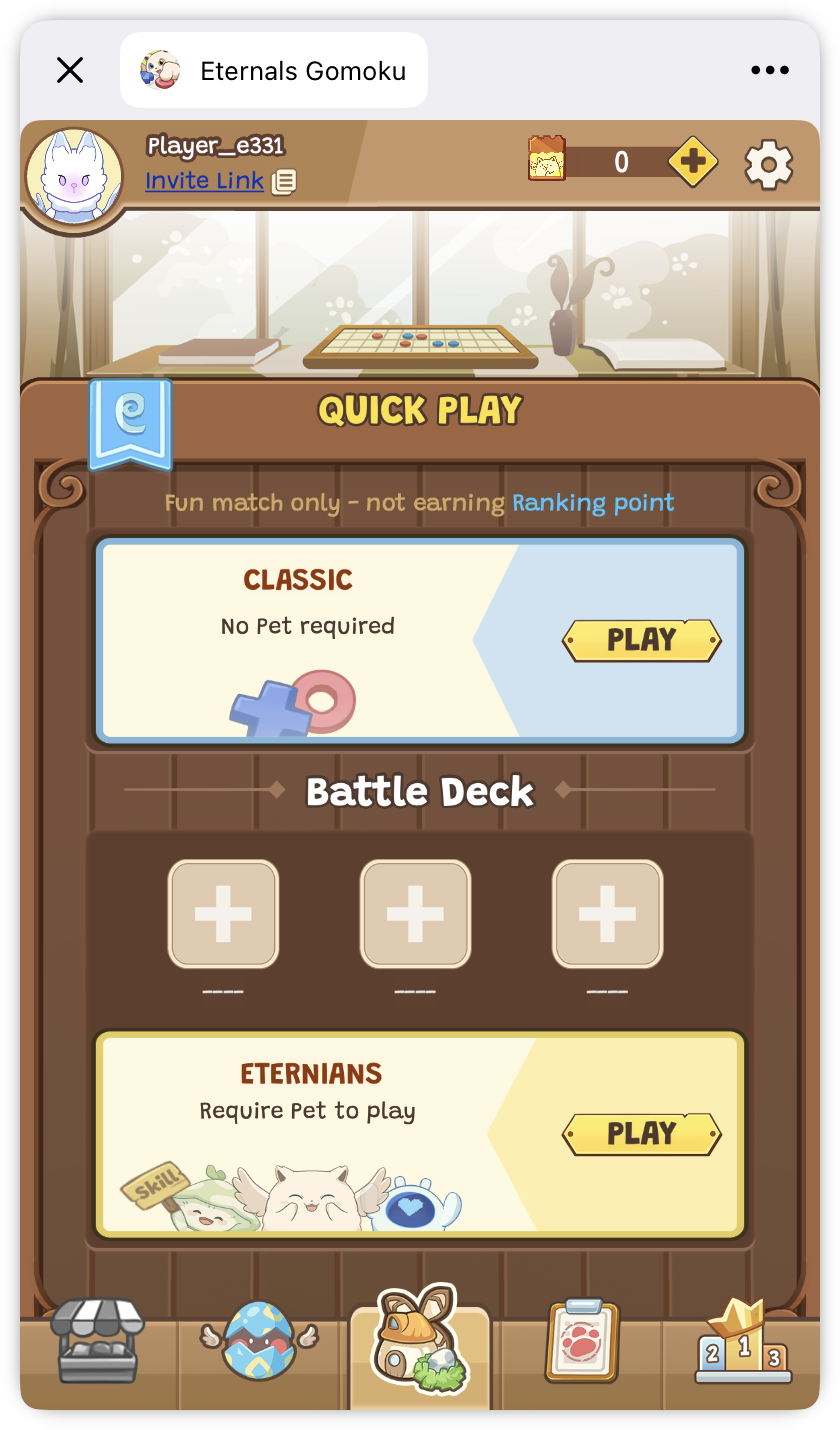
**Step 2**: Quick Match has 2 sub-modes: [**Classic Mode**](/eternals_world/gomoku/game-modes.md#classic-mode) and [**Eternians Mode**](/eternals_world/gomoku/game-modes.md#eternians-mode) (Read about [Game Modes](/eternals_world/gomoku/game-modes.md)). You can choose the mode that you want to play
***
## Finish Match
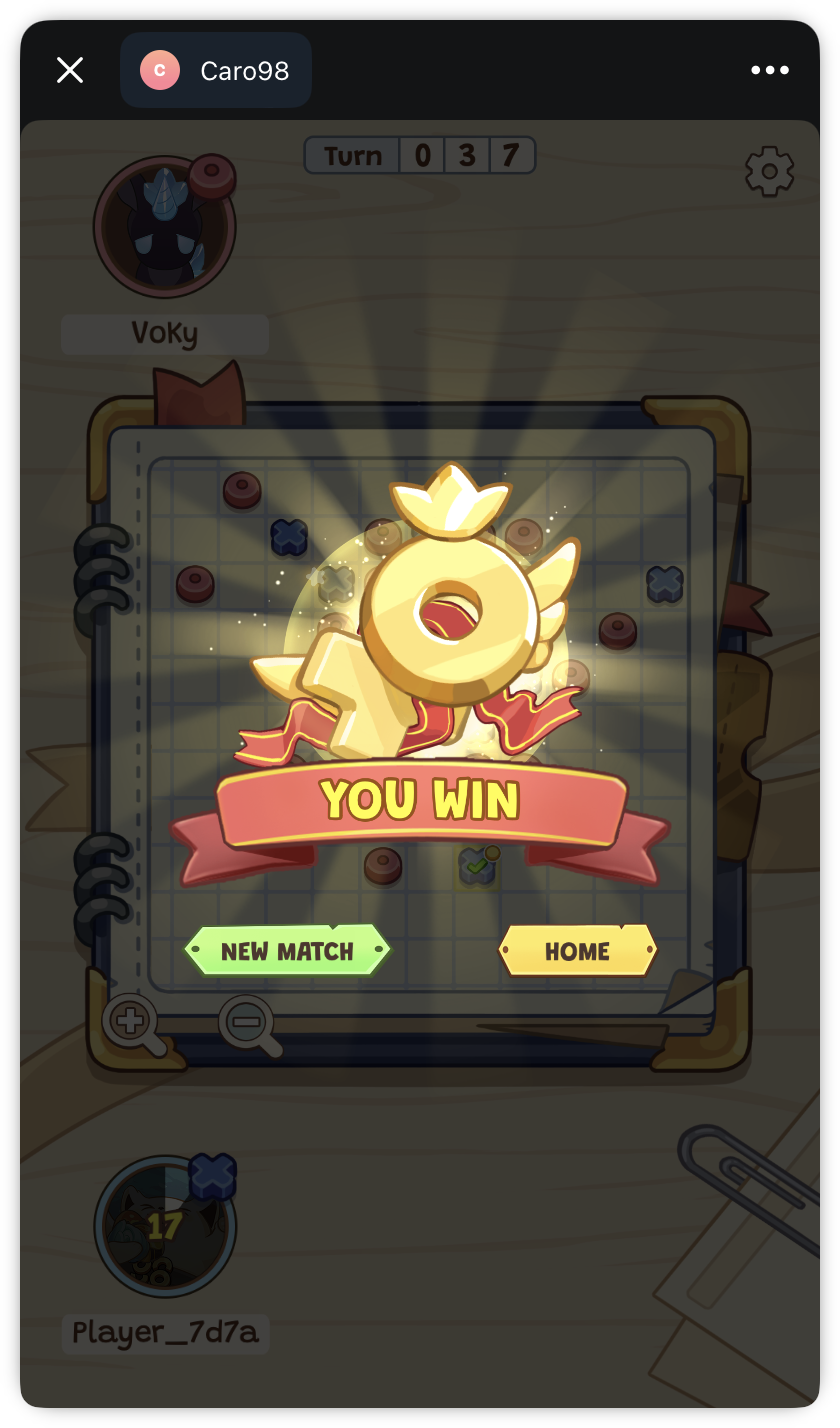
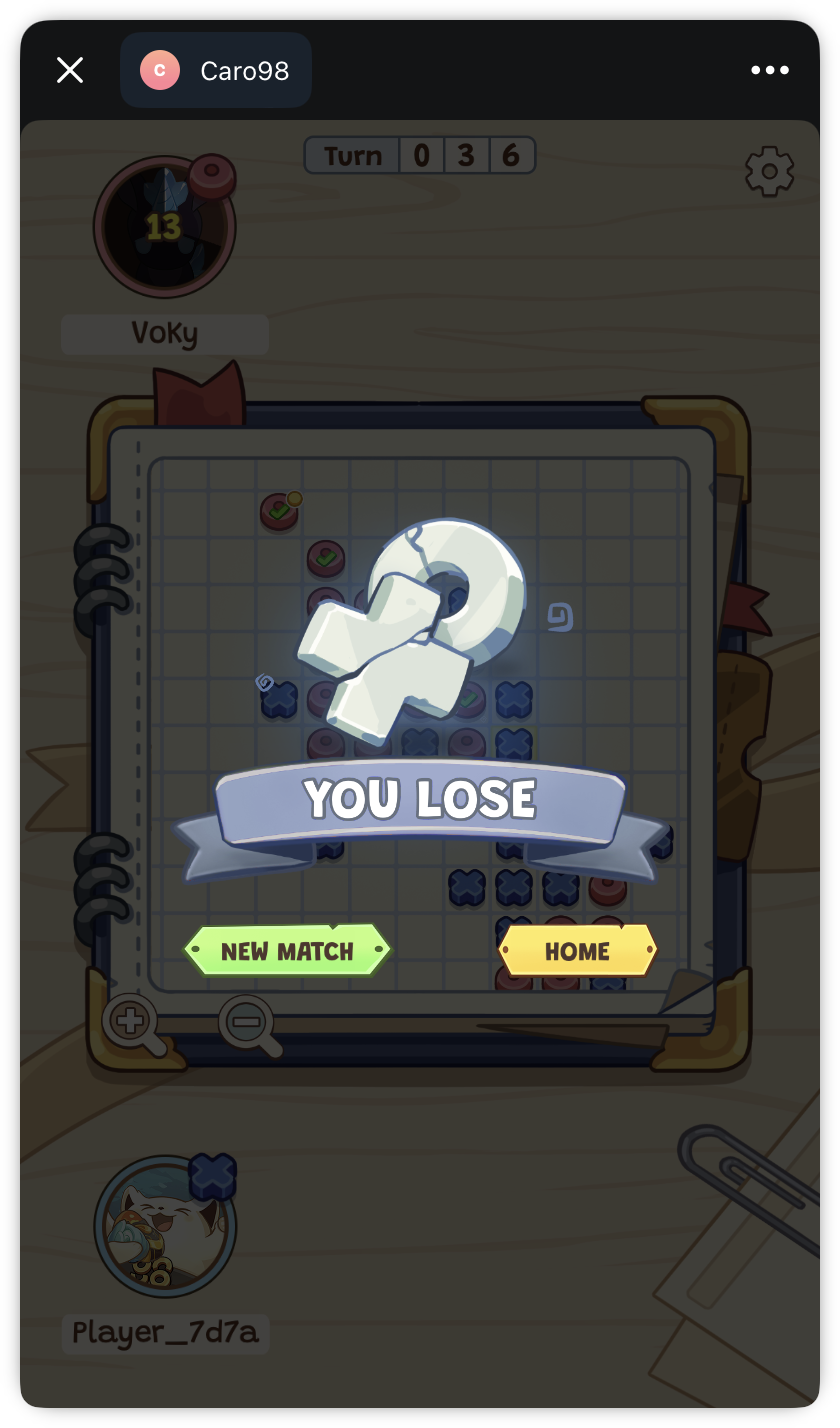
Once done playing, you will not get any rewards from the match. You can either click on **New Match** to start a new match, or **Home** to go back to Home section
***
If you want to receive points and rewards after each match, please compete in [Ranking Match](https://docs.eternals.game/eternals_world/gomoku/ranking-match).